Skip to content
techqero.com

  • Home
  • Technology
  • Contact Us
techqero.com
  • How to Stop Unnecessary Apps From Starting With Windows
    Technology

    How to Stop Unnecessary Apps From Starting With Windows

    ByFox Tech September 22, 2026

    Learning the process of stoping Unnecessary Apps From Starting With Windows is one of the most effective ways to reclaim your computer’s performance. When too many programs launch the moment you log in, they consume precious system memory and CPU cycles that should be reserved for the tasks you actually want to perform. By taking…
    Read More How to Stop Unnecessary Apps From Starting With WindowsContinue

  • How to Convert Images to PDF Without Installing Complicated Software
    Technology

    How to Convert Images to PDF Without Installing Complicated Software

    ByFox Tech September 22, 2026

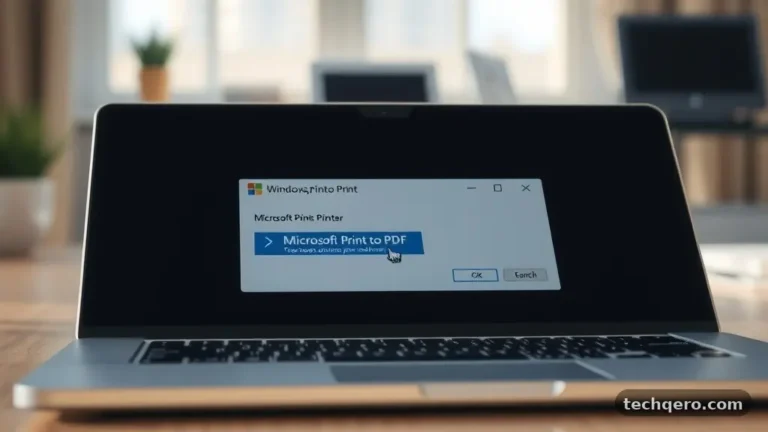
    When you need to share documents or store receipts, knowing how to handle file formats is essential. Many people struggle with the common task of converting Images to PDF Without Installing Complicated Software, often assuming they need expensive, heavy-duty programs. In reality, modern operating systems and web browsers provide everything you need to get the…

    Read More How to Convert Images to PDF Without Installing Complicated SoftwareContinue

  • How to Find Large Files Taking Up Space on Your PC
    Technology

    How to Find Large Files Taking Up Space on Your PC

    ByFox Tech September 22, 2026

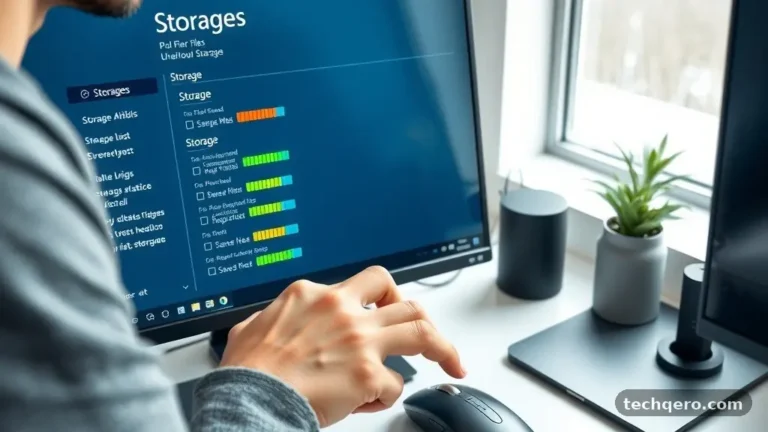
    Finding large files taking up space on your PC is often the quickest way to recover storage when your drive begins to show low-capacity warnings. Most users accumulate digital clutter over years, ranging from forgotten high-resolution videos to temporary cache files that serve no purpose. By identifying these space-hogs, you can reclaim gigabytes of room…

    Read More How to Find Large Files Taking Up Space on Your PCContinue

  • How to Fix Apps That Keep Crashing on Windows
    Technology

    How to Fix Apps That Keep Crashing on Windows

    ByFox Tech September 22, 2026

    When your software suddenly closes or becomes unresponsive, the process of fixing Apps That Keep Crashing on Windows often feels like a daunting mystery. You might be in the middle of an important document or enjoying a game when the window vanishes, leaving you staring at your desktop. This common technical frustration usually stems from…

    Read More How to Fix Apps That Keep Crashing on WindowsContinue

  • How to Check Your PC Specifications Before Installing Software
    Technology

    How to Check Your PC Specifications Before Installing Software

    ByFox Tech September 22, 2026

    Knowing how to check your PC specifications before installing software is the most effective way to avoid frustrating crashes, sluggish performance, or applications that simply refuse to launch. When you understand what lies under the hood of your machine, you gain the confidence to download new tools without worrying about compatibility issues. Taking a few…

    Read More How to Check Your PC Specifications Before Installing SoftwareContinue

  • How to Free Up Space When Windows Storage Is Full
    Technology

    How to Free Up Space When Windows Storage Is Full

    ByFox Tech September 22, 2026

    Dealing with a cramped hard drive is a common frustration, especially when you are in the middle of a project and receive a notification that your system is running low on room. Freeing up space when Windows storage is full does not have to be a daunting task, and you can often reclaim gigabytes of…

    Read More How to Free Up Space When Windows Storage Is FullContinue

  • Best Free Tools for Managing Files on Windows
    Technology

    Best Free Tools for Managing Files on Windows

    ByFox Tech September 22, 2026

    Finding the best Free Tools for Managing Files on Windows can transform your digital workspace from a cluttered mess into a streamlined system. While the native File Explorer is sufficient for basic tasks, power users often find it lacking in speed, customization, and advanced organizational capabilities. By upgrading to third-party software, you gain access to…

    Read More Best Free Tools for Managing Files on WindowsContinue

  • How to Make Your Windows PC Faster Without Upgrading Hardware
    Technology

    How to Make Your Windows PC Faster Without Upgrading Hardware

    ByFox Tech September 22, 2026

    Successfully making your Windows PC faster without upgrading hardware is entirely possible by refining how your operating system manages its resources. Many users assume that sluggish performance requires a new drive or more RAM, but software bloat and inefficient settings are often the true culprits. By systematically optimizing your background processes, cleaning out digital clutter,…

    Read More How to Make Your Windows PC Faster Without Upgrading HardwareContinue

  • How to Remove Unwanted Programs From Your Computer
    Technology

    How to Remove Unwanted Programs From Your Computer

    ByFox Tech September 22, 2026

    Keeping your digital workspace clean is essential for maintaining performance and security, which is why learning the most effective ways of removing unwanted programs from your computer is a vital skill for any user. Bloated software can slow down your system, consume precious storage space, and occasionally introduce security vulnerabilities that compromise your data. By…

    Read More How to Remove Unwanted Programs From Your ComputerContinue

  • How to Check Which Apps Are Using the Most Storage
    Technology

    How to Check Which Apps Are Using the Most Storage

    ByFox Tech September 22, 2026

    When your device starts running slow or you receive that dreaded “storage full” notification, the culprit is often a handful of bloated applications. Learning the simple process of checking which apps are using the most storage allows you to reclaim your digital space without guessing what to delete. Whether you are working on a laptop,…

    Read More How to Check Which Apps Are Using the Most StorageContinue

Page navigation

Previous PagePrevious 1 2 3

© 2026 - WordPress Theme by Kadence WP

  • Home
  • Technology
  • Contact Us