Simple Cybersecurity Habits Every Computer User Should Follow
Adopting simple Cybersecurity Habits Every Computer User Should Follow is the most effective way to protect your digital identity from evolving online threats. While the landscape of cybercrime seems complex, the reality is that most successful attacks exploit basic oversights rather than sophisticated technological vulnerabilities. By integrating a few consistent routines into your daily digital life, you can significantly reduce your risk of data theft and unauthorized access.
This article breaks down the essential steps to stay secure, ensuring your personal information remains private while you navigate the internet. You will learn how to build defenses that are both manageable and highly effective for your everyday computing needs.
Prioritizing Strong and Unique Credentials
The most fundamental step in maintaining your digital safety is how you handle your login credentials. Many people reuse the same password across dozens of accounts, which creates a single point of failure for hackers. If a breach occurs at one minor service, attackers immediately attempt those same credentials on your banking or email accounts.
Using a unique, complex string of characters for every site you visit is the single most important habit you can adopt. You do not need to memorize these strings; instead, rely on a reputable password manager. These tools generate, store, and automatically fill your credentials, ensuring you only need to remember one master password.
The Mechanics of Password Managers
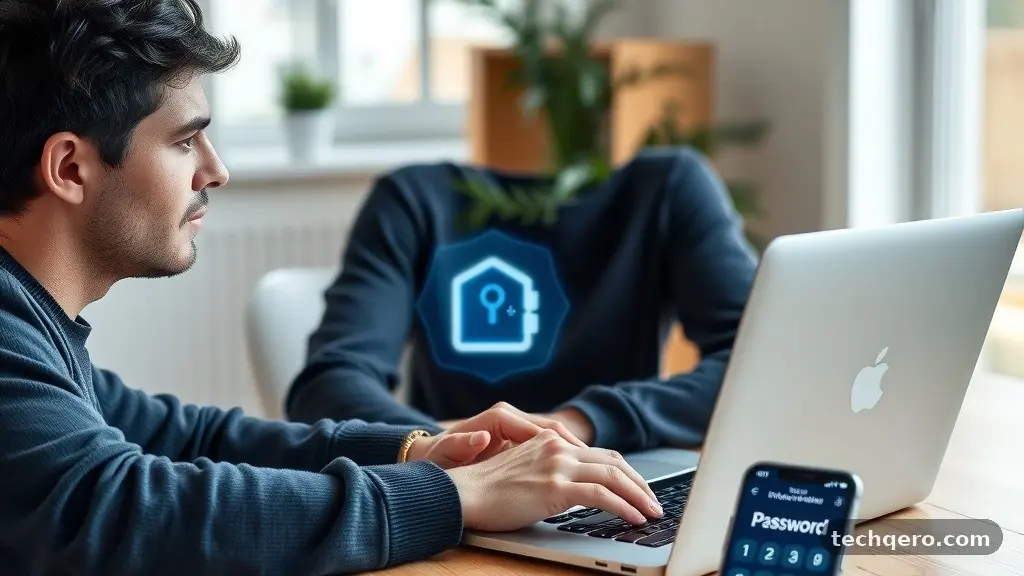
A password manager acts as an encrypted vault for your digital keys. When you save a login, the software scrambles the data so it cannot be read if your device is compromised. Most modern browsers have built-in managers, but standalone applications often provide better cross-device synchronization.
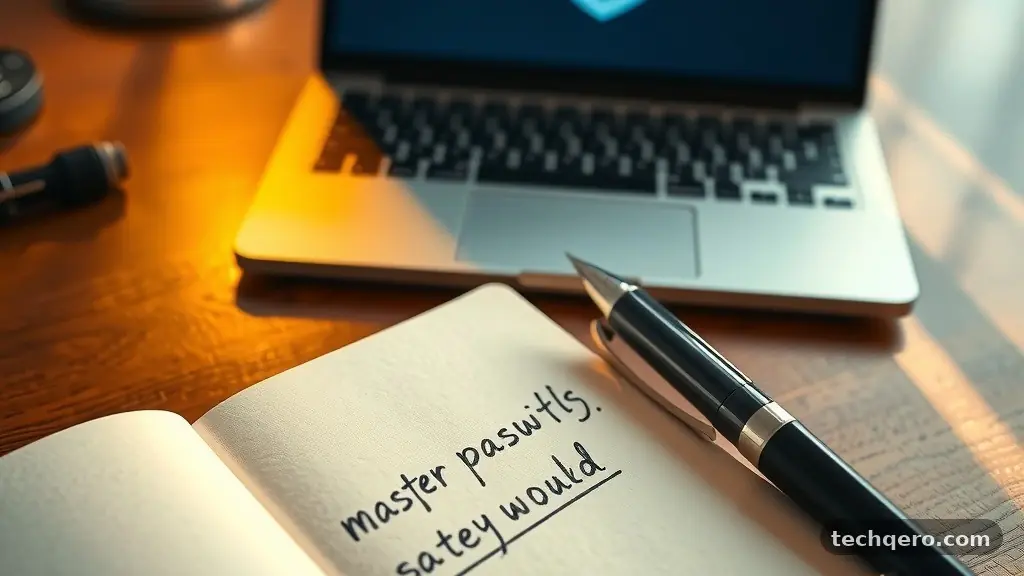
To get the most out of this tool, ensure your master password is long, memorable, and entirely unique. Never share this master key with anyone, and consider writing it down on a physical piece of paper stored in a secure location if you fear forgetting it. This physical backup is far safer than storing it in an unencrypted text file on your desktop.
Enabling Multi-Factor Authentication Everywhere
Multi-factor authentication, or MFA, provides a necessary secondary layer of security beyond your password. Even if a cybercriminal successfully steals your password, they will still be blocked if they cannot provide the second piece of evidence. This could be a temporary code from an app, a physical security key, or a push notification sent to your smartphone.
You should enable MFA on every account that offers it, especially those containing financial data or personal emails. While it adds a few seconds to your login process, it is a minor trade-off for the level of protection it provides. Most major platforms now make this process incredibly simple through dedicated authenticator apps.
Choosing the Right MFA Method
Not all secondary checks are created equal. SMS-based codes are vulnerable to “SIM swapping” attacks where a hacker redirects your phone number to their own device. Whenever possible, use an authenticator app like Google Authenticator or Authy to receive your codes.
Hardware keys, such as Yubikeys, represent the highest level of security available for personal users. These small USB devices require a physical touch to authorize a login, making remote hacking virtually impossible. While they require a small upfront investment, they offer peace of mind that software-based methods cannot match.
Recognizing and Avoiding Phishing Attempts
Phishing remains the most common method for attackers to gain access to private data. These scams involve deceptive emails, messages, or websites designed to trick you into revealing sensitive information. Often, they mimic legitimate services like your bank, a delivery company, or a social media platform.
The key to avoiding these traps is maintaining a healthy level of skepticism. If you receive an urgent request to update your password or verify a transaction, do not click the link provided in the message. Instead, manually type the company’s official web address into your browser to check your account status.
Common Indicators of Deceptive Communication
- Mismatched sender email addresses that look like official domains but contain subtle typos.
- Generic greetings like “Dear Customer” instead of your actual name.
- Language that creates an artificial sense of urgency or fear to force a hasty decision.
- Attachments in unexpected emails, especially those ending in .zip, .exe, or .js.
- Requests for sensitive information, such as social security numbers or full credit card details, via email.
Keeping Software and Operating Systems Updated
Software developers frequently release updates to patch security vulnerabilities discovered in their code. When you ignore these prompts, you leave your computer open to known exploits that hackers are actively using. Automating these updates is a simple way to ensure your devices remain protected without constant manual intervention.
Operating system updates are particularly important because they often address deep-seated flaws in how your hardware interacts with software. Similarly, keeping your browser and antivirus definitions current ensures you have the latest defenses against the most recent malware strains. If a program is no longer supported by its manufacturer, you should remove it from your system immediately.
Managing Update Cycles
Modern operating systems like Windows and macOS have built-in settings to handle updates in the background. Navigate to your system settings and ensure “Automatic Updates” is toggled to the “On” position. This simple change eliminates the need to remember to check for patches manually.
Beyond the OS, remember to check your browser extensions and third-party software. Many users forget that outdated browser plugins can serve as entry points for malicious scripts. Periodically auditing your installed software to remove unused programs reduces your overall attack surface.
Securing Your Wireless Network
Your home Wi-Fi network serves as the gateway for all your connected devices. If your router is not properly configured, an attacker within range could potentially access your local network. The first step is to change the default administrative password that came with the router.
Most routers come with generic credentials like “admin” or “password,” which are the first things hackers attempt to use. Once you have secured the router, ensure your wireless network is encrypted using WPA3 or at least WPA2-AES protocols. These standards ensure that the data traveling through the air between your device and the router cannot be intercepted easily.
Network Best Practices
| Action | Security Benefit |
|---|---|
| Changing Router Admin Password | Prevents unauthorized access to network settings. |
| Using WPA3 Encryption | Provides the latest standard for wireless data protection. |
| Disabling WPS | Closes a known vulnerability in many older router models. |
| Creating a Guest Network | Isolates smart home devices from your primary computers. |
Backing Up Data Regularly
Cybersecurity is not just about preventing unauthorized access; it is also about ensuring you can recover from a disaster. Ransomware attacks have become increasingly common, where hackers encrypt your files and demand payment for the decryption key. Having a recent, offline backup of your data makes these threats much less impactful.
A comprehensive backup strategy follows the 3-2-1 rule. Keep three copies of your data, store them on two different types of media, and keep one copy in an off-site location. Cloud storage services provide an excellent off-site option, while an external hard drive serves as your quick-access local backup.
Automating Your Recovery Plan
Manual backups are rarely performed consistently, so automation is essential. Use backup software that runs in the background to sync your important documents to a cloud provider. If you use physical drives, ensure they are disconnected from your computer when the backup process is finished.
Keeping an offline copy is vital because it protects your data from being encrypted by ransomware that might propagate through your local network. By disconnecting the drive, you create a “physical gap” that malware cannot cross. For more detailed information on data hygiene, you can visit the Cybersecurity and Infrastructure Security Agency official resource center.
Practicing Mindful Web Browsing
The websites you visit and the files you download directly influence your computer’s health. Many malicious sites use “drive-by downloads,” where malware is installed simply by visiting a page. You should use a reputable ad blocker, as many malicious ads (malvertising) are used to distribute malware through legitimate websites.
Be wary of downloading software from unofficial sources, such as peer-to-peer file-sharing sites or third-party download portals. These sites often bundle legitimate software with unwanted toolbars, spyware, or more malicious payloads. Always download installers directly from the official developer’s website to ensure the integrity of the file.
The Role of Browser Security Settings
Modern browsers include built-in features to warn you about suspicious sites. Ensure that “Safe Browsing” or similar protections are enabled in your browser settings. These features cross-reference the site you are visiting against a database of known malicious domains.
Clear your browser cache and cookies regularly to remove tracking data and potential stale scripts. While cookies are necessary for a smooth web experience, they can also store session information that attackers might try to hijack. A clean slate, combined with privacy-focused extensions, creates a much safer browsing environment.
Frequently Asked Questions
Is antivirus software still necessary today?
Yes, modern antivirus software provides a critical layer of defense against malware and ransomware. While built-in tools like Windows Defender are excellent, they should be paired with user vigilance and regular system updates. Think of it as a safety net that catches threats that might slip past your initial precautions.
How often should I change my passwords?
You no longer need to change passwords frequently unless there is evidence of a breach. Constant forced rotations often lead to users choosing weaker, more predictable passwords. Focus instead on using long, unique, and complex passwords for every account, and rely on a password manager to handle them.
What should I do if I suspect my account has been hacked?
Immediately change the password for the affected account and any other accounts that share the same credentials. Contact the service provider through their official support channels to report the unauthorized access. Check your recent activity logs for any suspicious actions and enable MFA immediately if it was not already active.
Are public Wi-Fi networks safe to use?
Public Wi-Fi networks are generally insecure because traffic can be intercepted by others on the same network. If you must use public Wi-Fi, always use a reputable Virtual Private Network (VPN) to encrypt your connection. Avoid logging into sensitive accounts like banking or email portals while connected to these networks.
Conclusion
Building a secure digital life does not require a degree in computer science. By focusing on simple Cybersecurity Habits Every Computer User Should Follow, you create a robust defense that protects your personal information from the vast majority of online threats. The core of this strategy relies on consistent routines: using a password manager, enabling multi-factor authentication, and keeping your systems updated.
These steps might seem small individually, but they combine to form a wall that most attackers will find too difficult to climb. Start by implementing one of these habits today, and slowly layer in the others until they become second nature. Staying safe online is an ongoing process of awareness and action, and you now have the tools to manage it effectively.